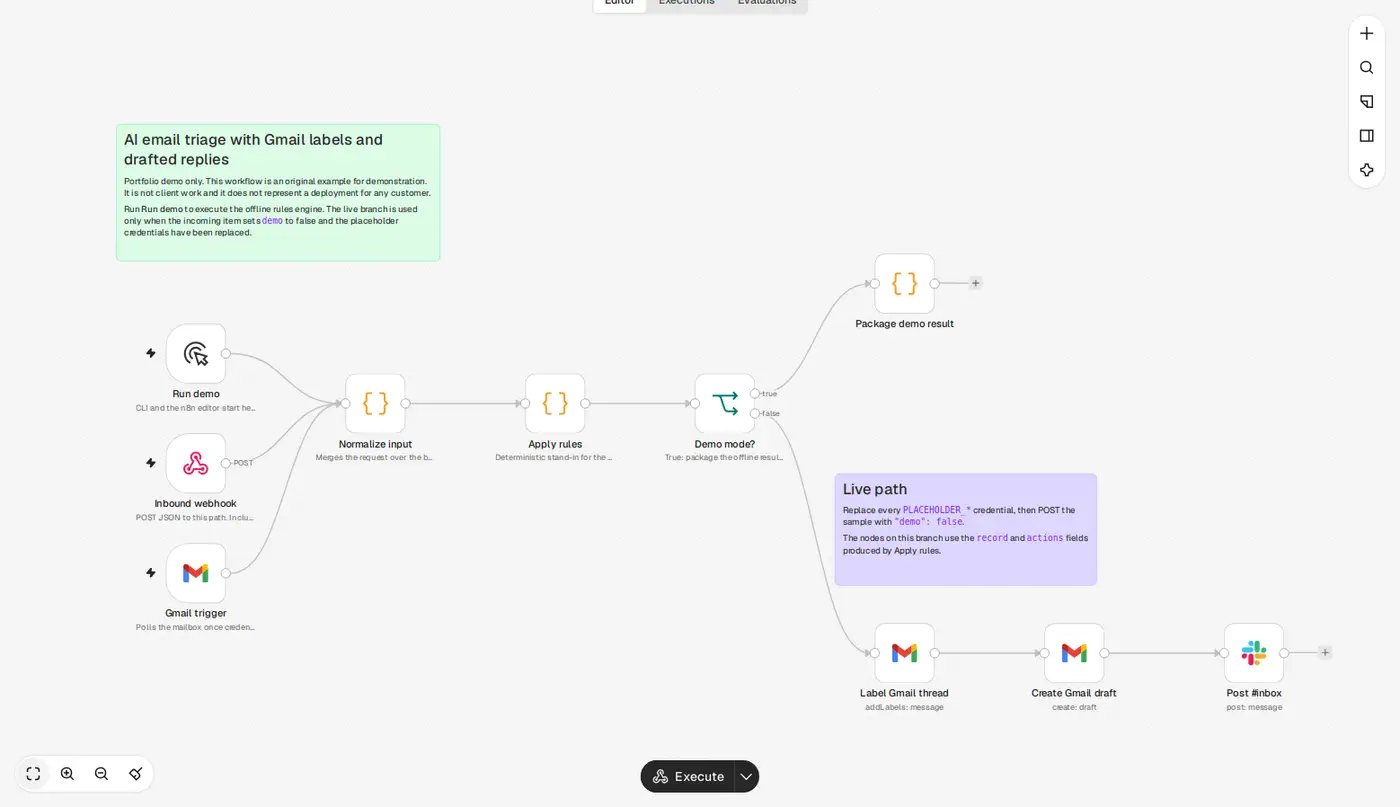
AI email triage with Gmail labels and drafted replies
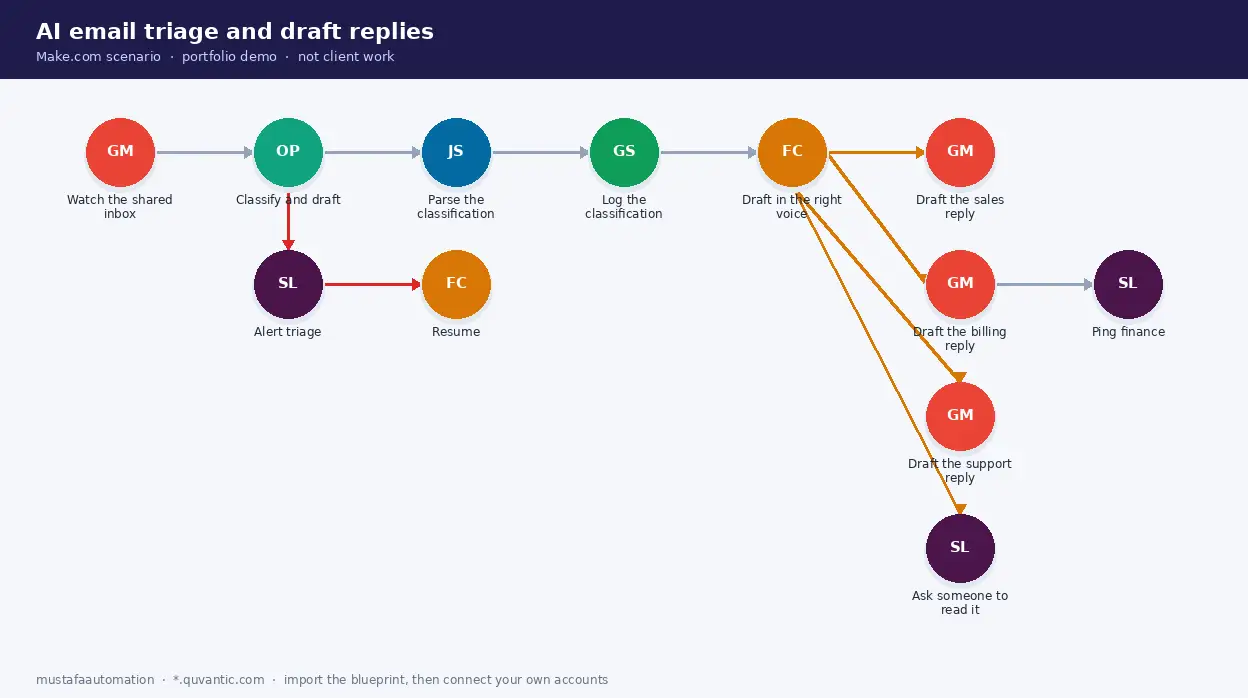
Inbound mail is labeled billing, sales, support, or VIP, and a reply is drafted in Gmail. VIP mail is also posted to Slack. Nothing is sent…
Email · Workflow system · Intermediate · Tests passed
Category
22 portfolio reference builds across 3 platforms. Each one is exercised on demo data with placeholder credentials.
Inbound mail is labeled billing, sales, support, or VIP, and a reply is drafted in Gmail. VIP mail is also posted to Slack. Nothing is sent…
Email · Workflow system · Intermediate · Tests passed
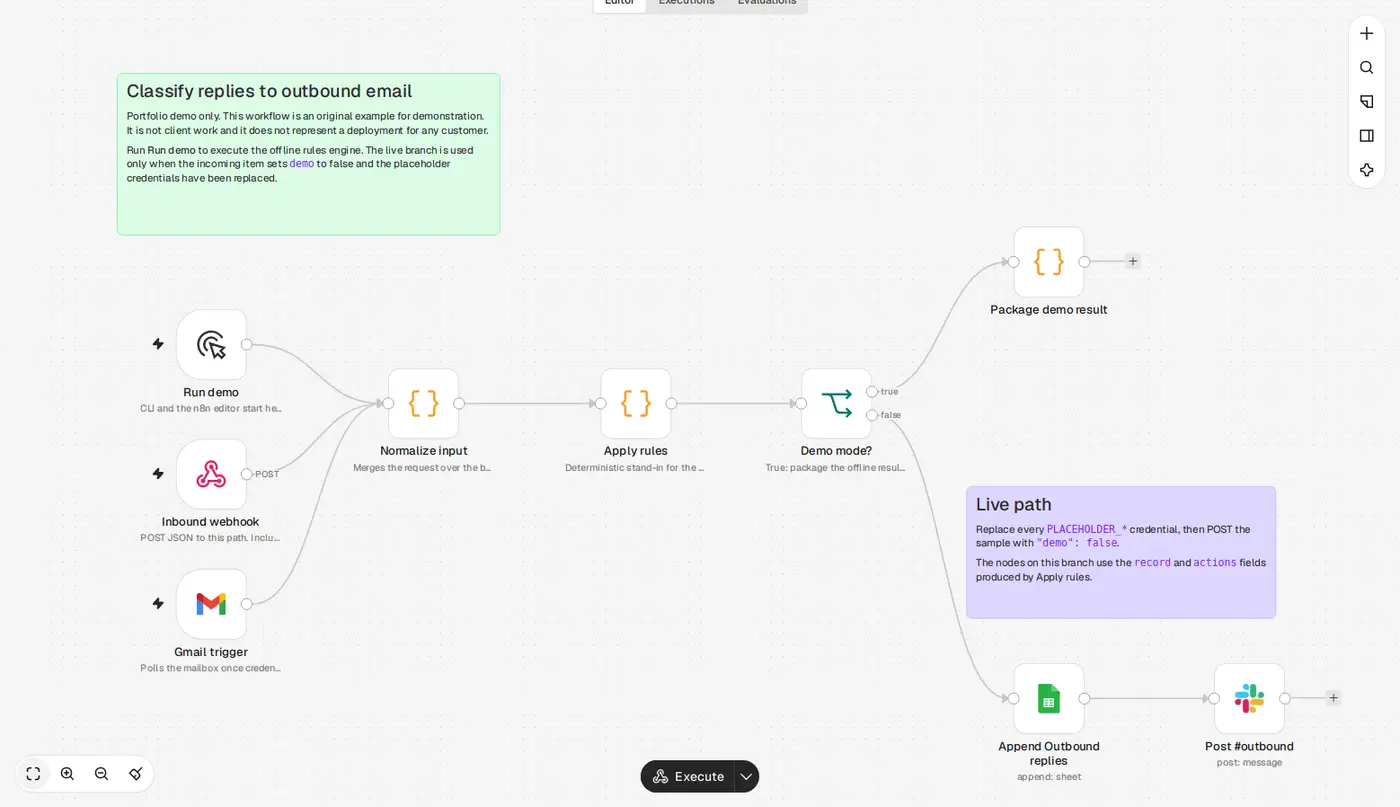
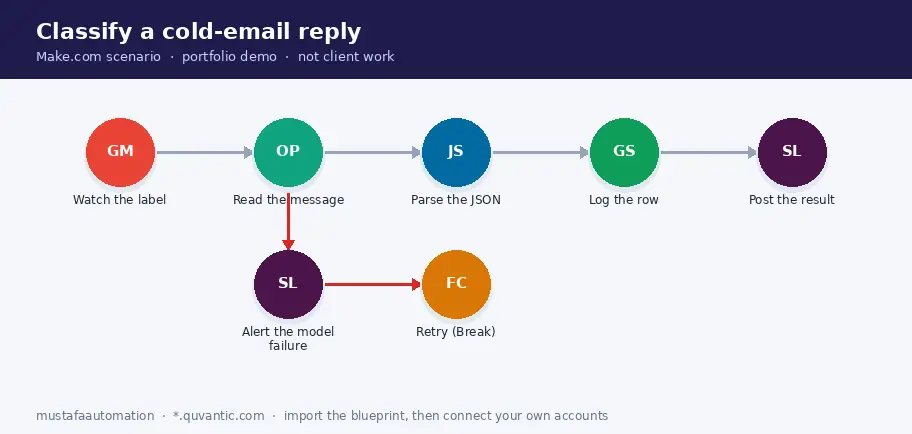
A reply to an outbound sequence is marked interested, not-now, or unsubscribe, then logged. Interested replies are posted to Slack.
Email · Workflow system · Intermediate · Tests passed
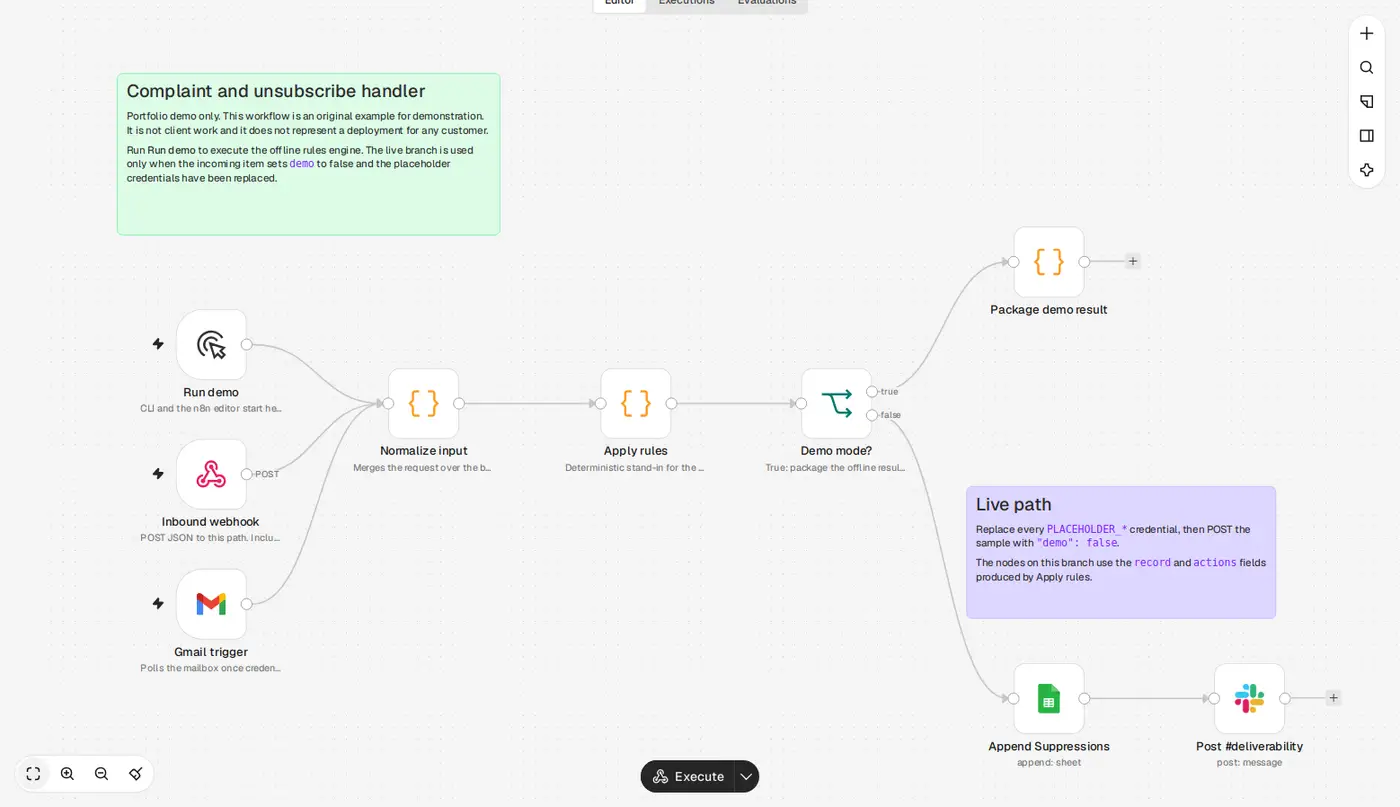
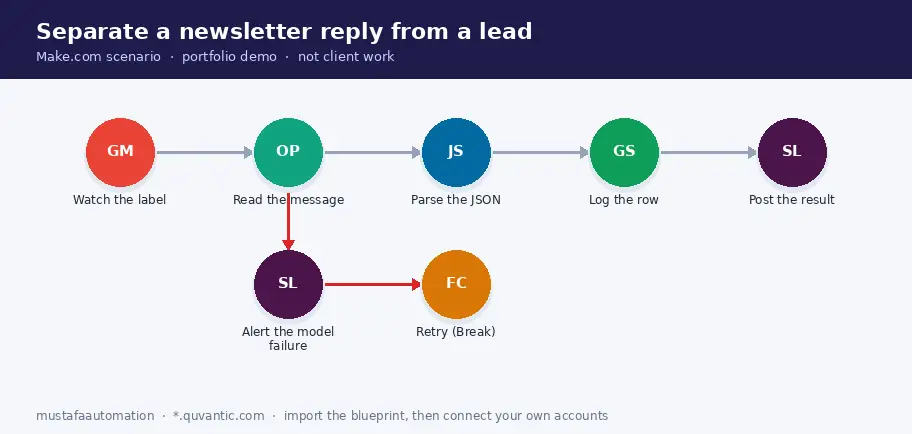
Complaints and unsubscribe requests are separated from ordinary mail and logged. Complaints go to Slack immediately.
Email · Workflow system · Intermediate · Tests passed
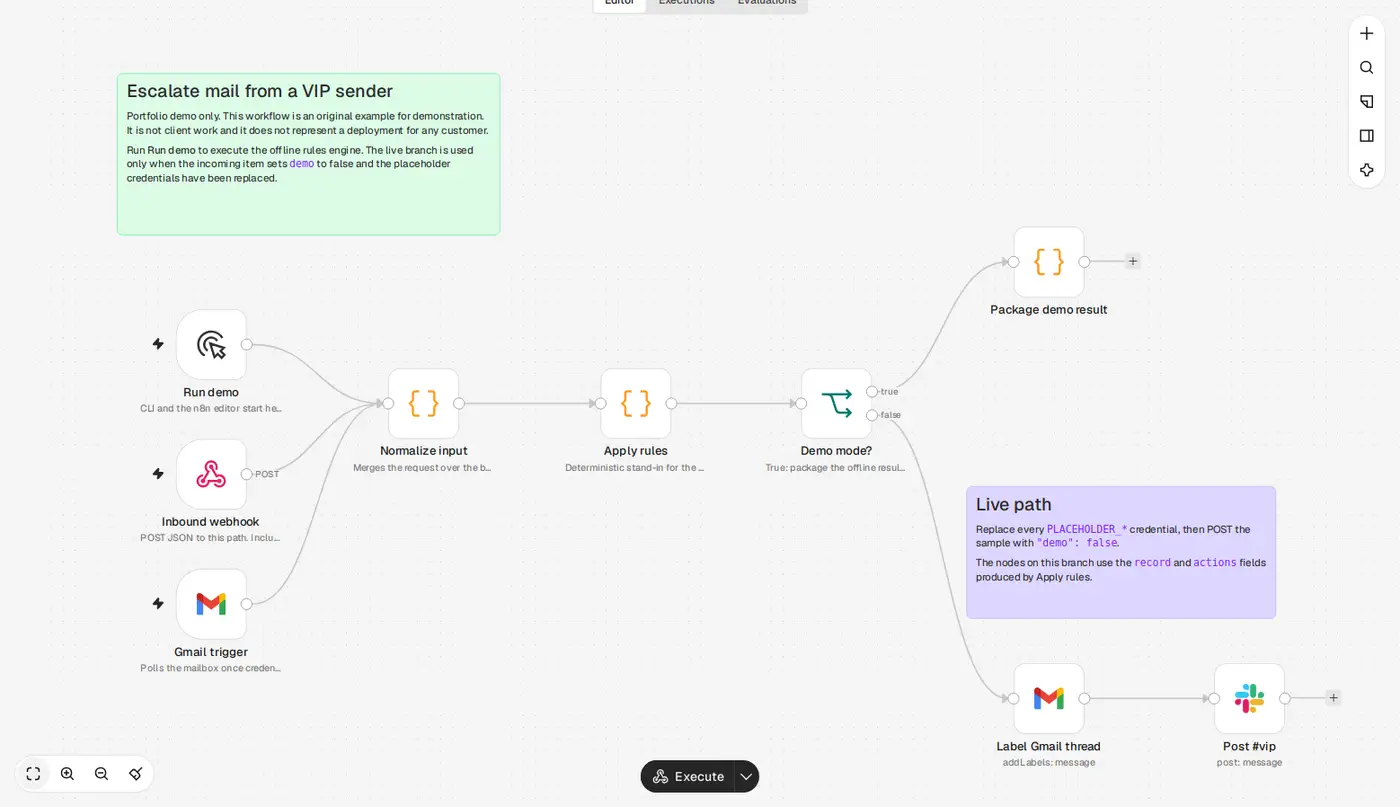
Mail that mentions the board, legal, or an urgent keyword is labeled VIP and posted to Slack. Everything else is a normal draft.
Email · Workflow system · Beginner · Tests passed
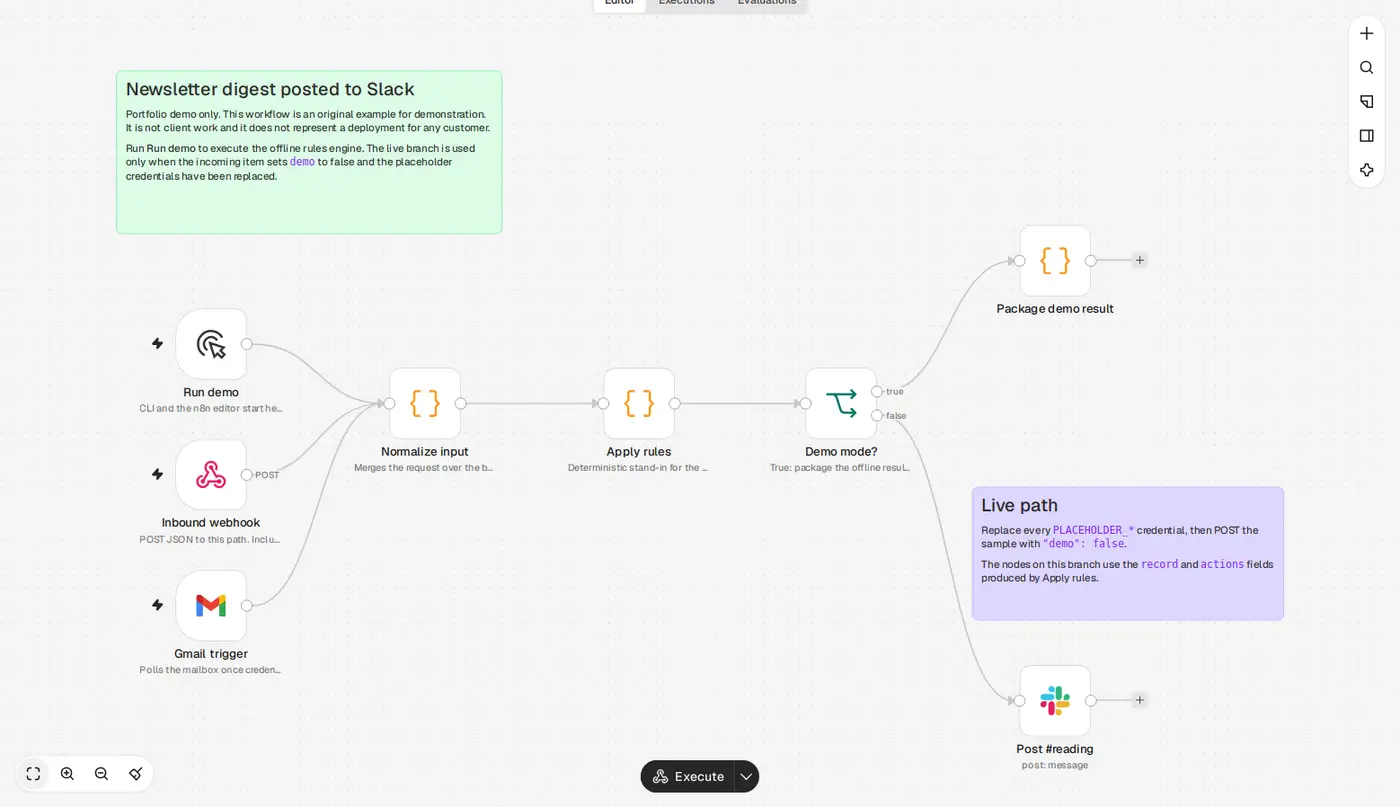
A newsletter is classified and reduced to a one-line Slack post so the inbox can be archived.
Email · Quick win · Beginner · Tests passed
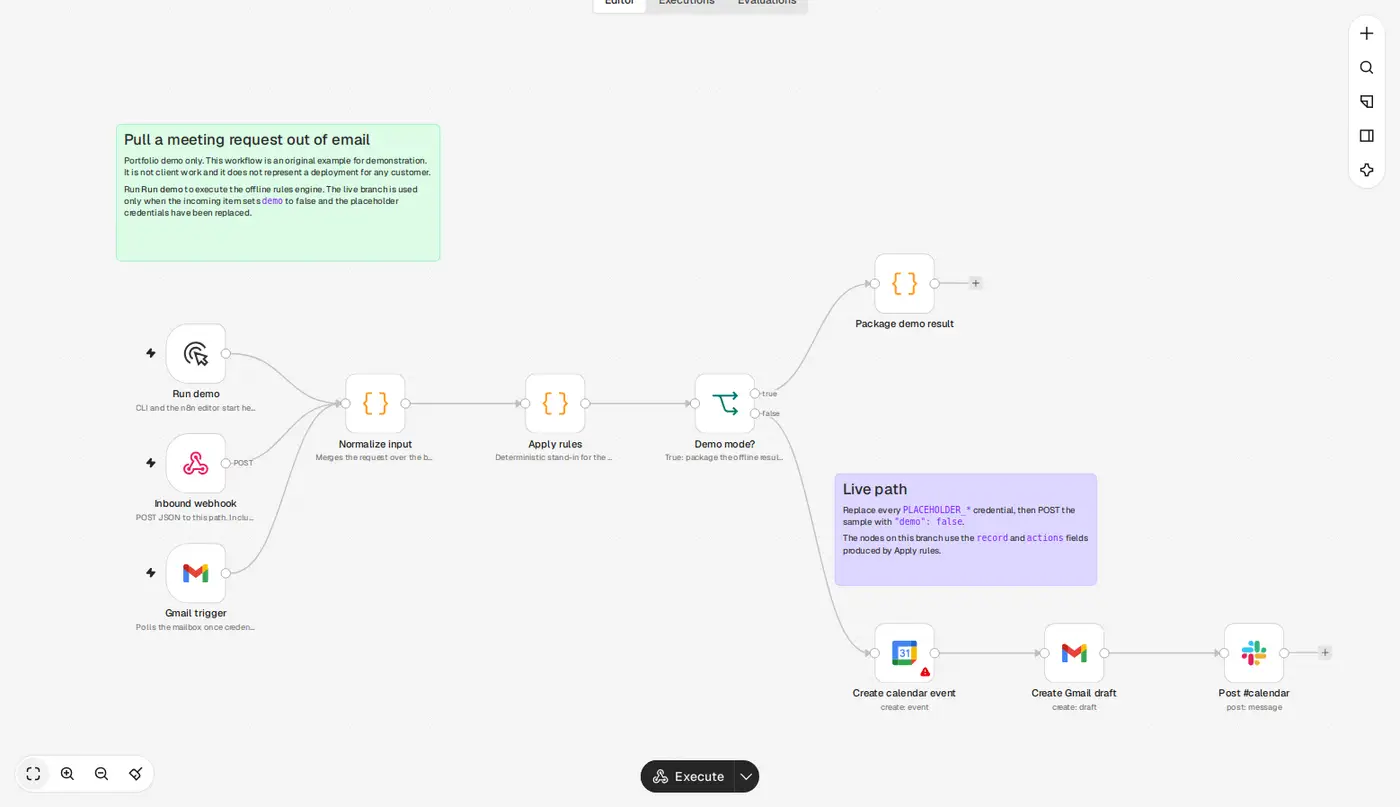
An email that proposes a time is turned into a calendar hold and a Slack note. The drafted reply confirms the slot.
Email · Workflow system · Intermediate · Tests passed
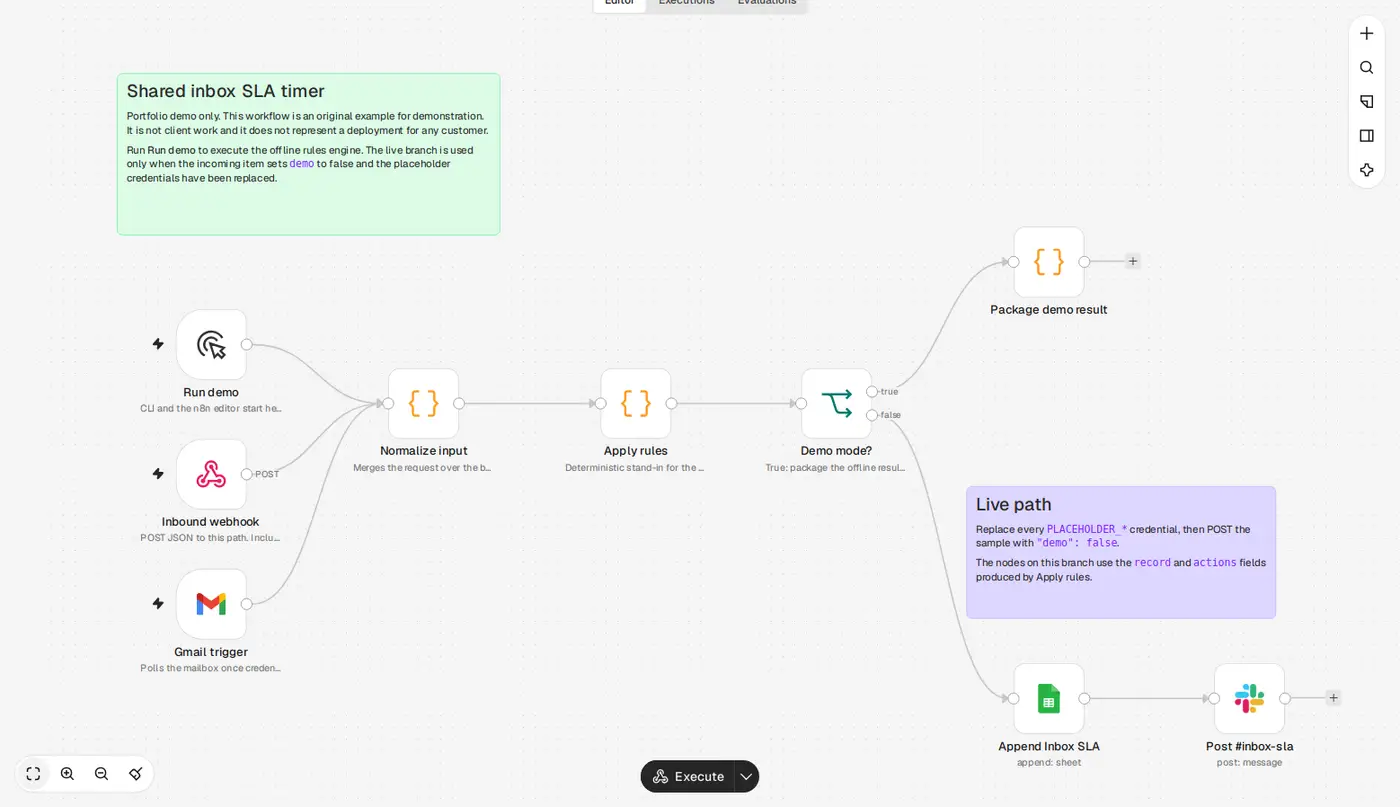
Mail is classified and the sheet stores the label. Slack is notified when the class is VIP or billing, which are the queues with a same-day…
Email · Workflow system · Intermediate · Tests passed
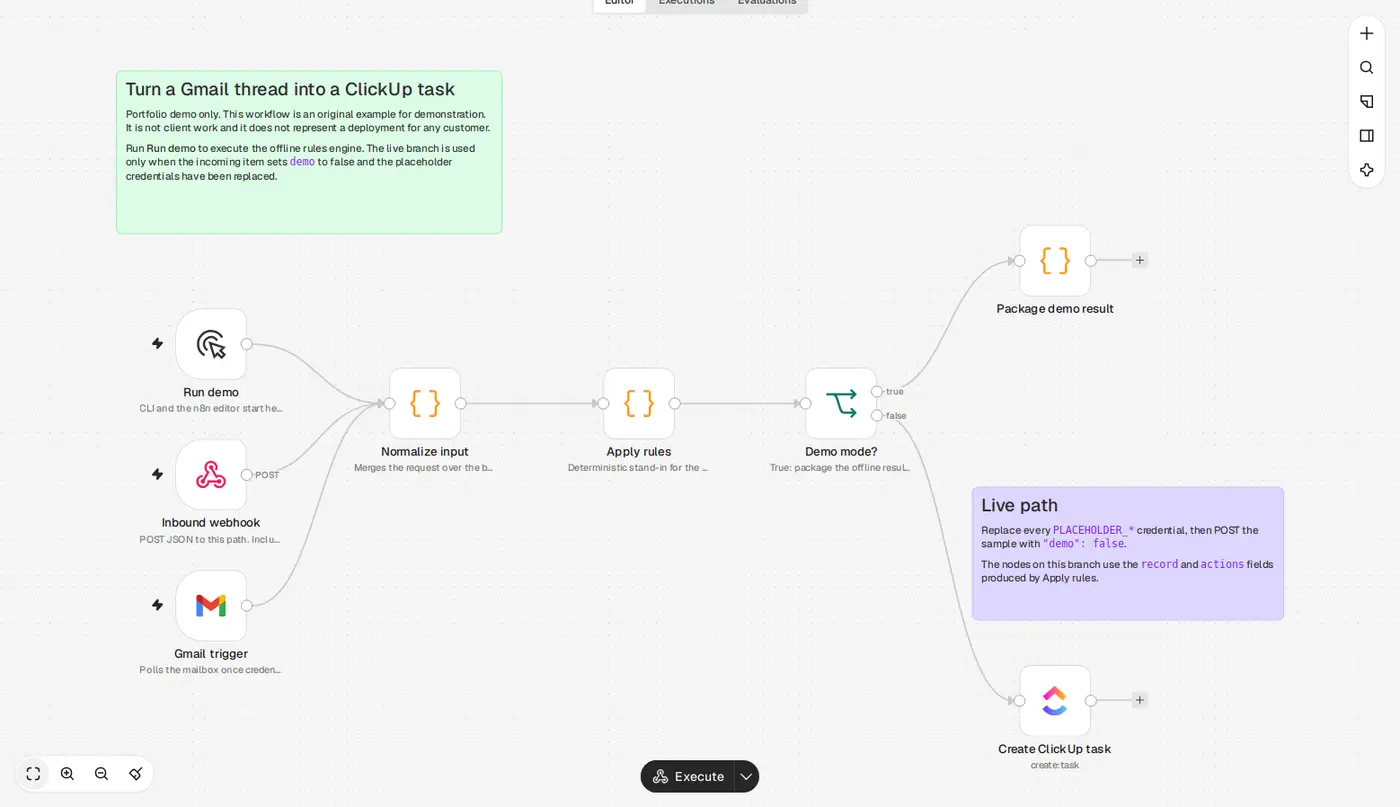
An email that is actually a request becomes a ClickUp task with the subject as the title and the body as the description.
Email · Quick win · Beginner · Tests passed
Classify a new Gmail message and leave a draft reply for sales, billing, or support instead of sending it.
Email · Workflow system · Intermediate · Validated
Label a reply as interested, not now, or unsubscribe, and ping Slack only for interested.
Email · Workflow system · Intermediate · Validated
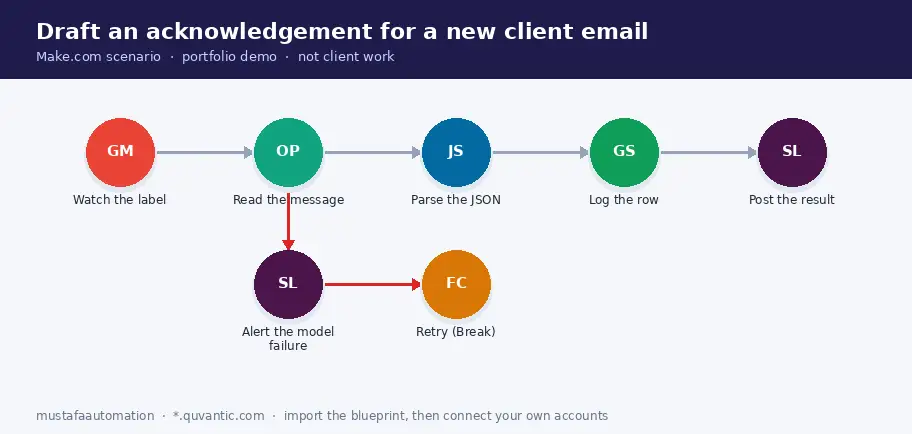
Log a new-client email and draft a short acknowledgement. Nothing is sent.
Email · Quick win · Beginner · Validated
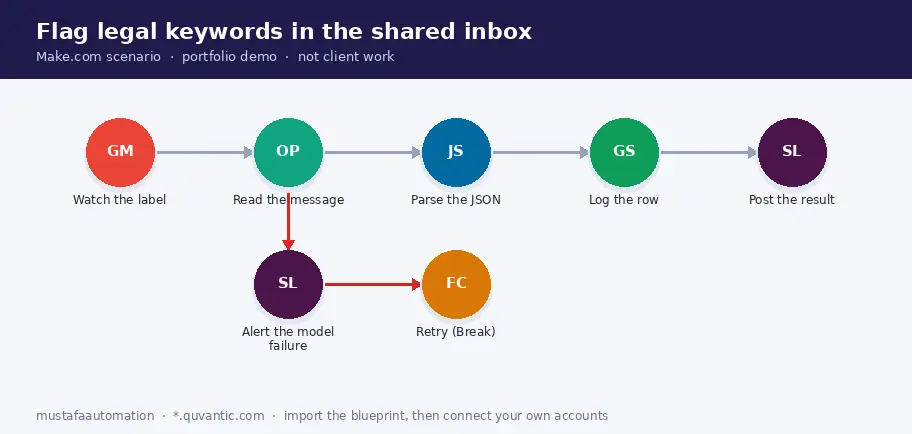
Log inbound mail and ping Slack when the model sees a contract, lawsuit, or subpoena.
Email · Quick win · Beginner · Validated
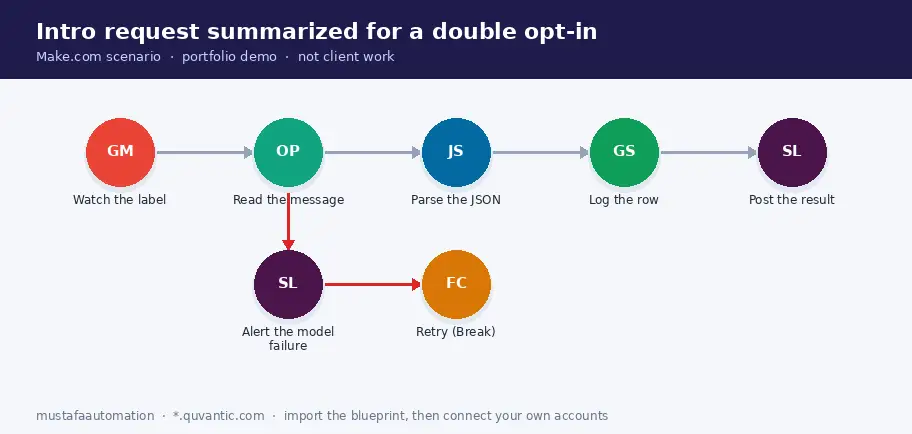
Summarize an intro request so you can ask the other person before forwarding.
Email · Workflow system · Intermediate · Validated
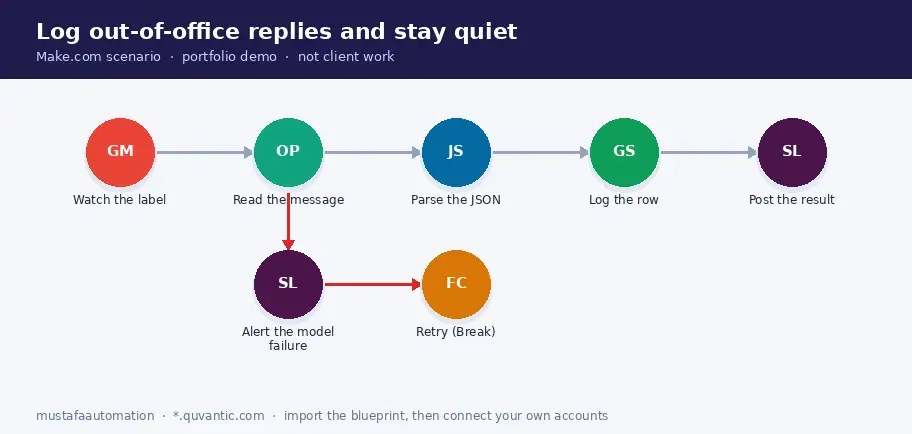
Log auto-replies and ping Slack only when the message is not an out-of-office.
Email · Quick win · Beginner · Validated
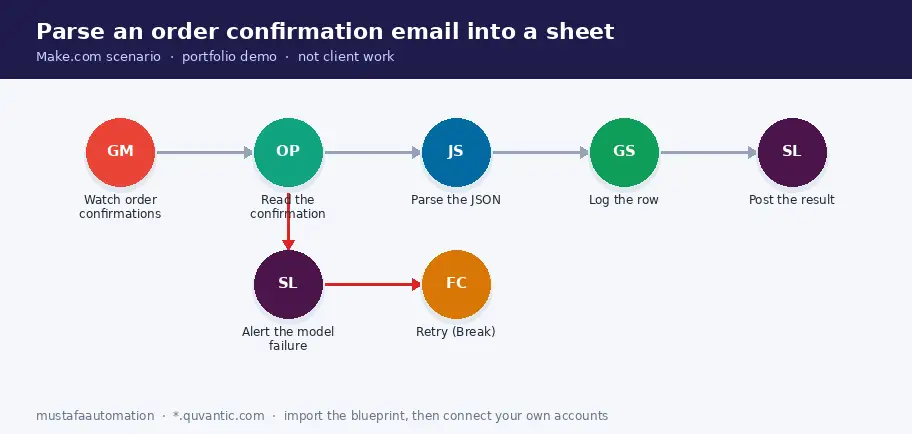
Turn a supplier order confirmation into order number, total, and ETA.
Email · Quick win · Beginner · Validated
Ping Slack only when a reply asks to buy, not when it says unsubscribe.
Email · Workflow system · Intermediate · Validated
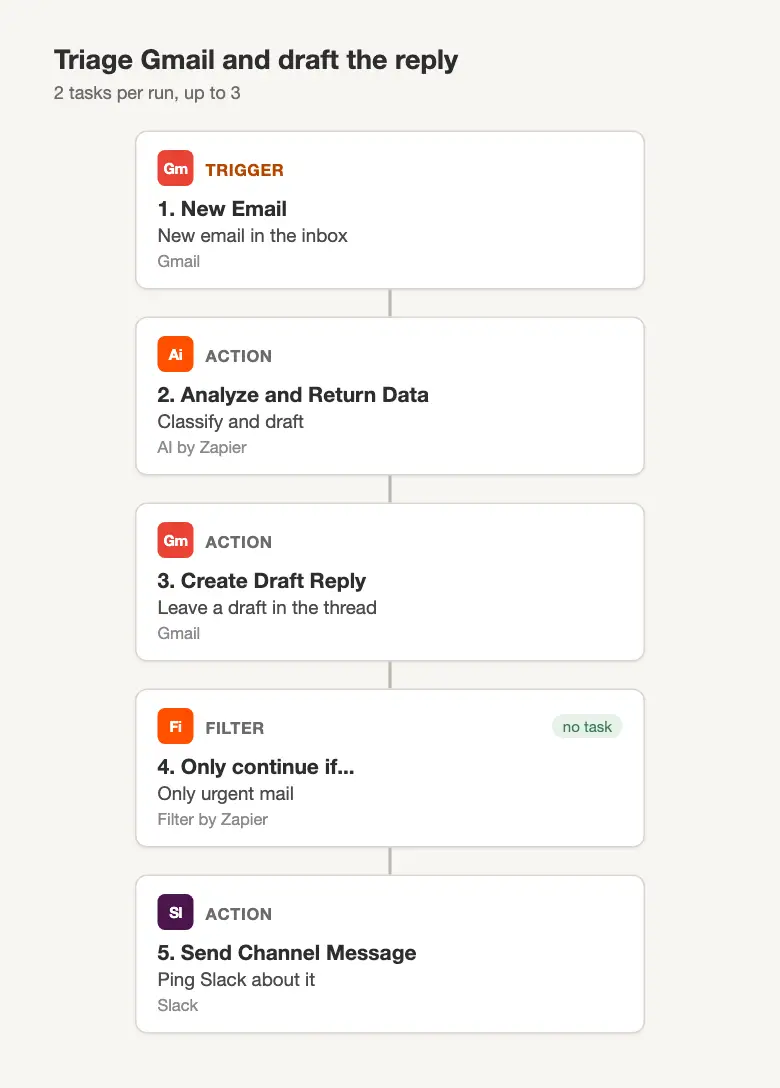
Classify each new email by category and urgency, leave a draft reply in the thread, and ping Slack only when something is urgent.
Email · Workflow system · Intermediate · Validated
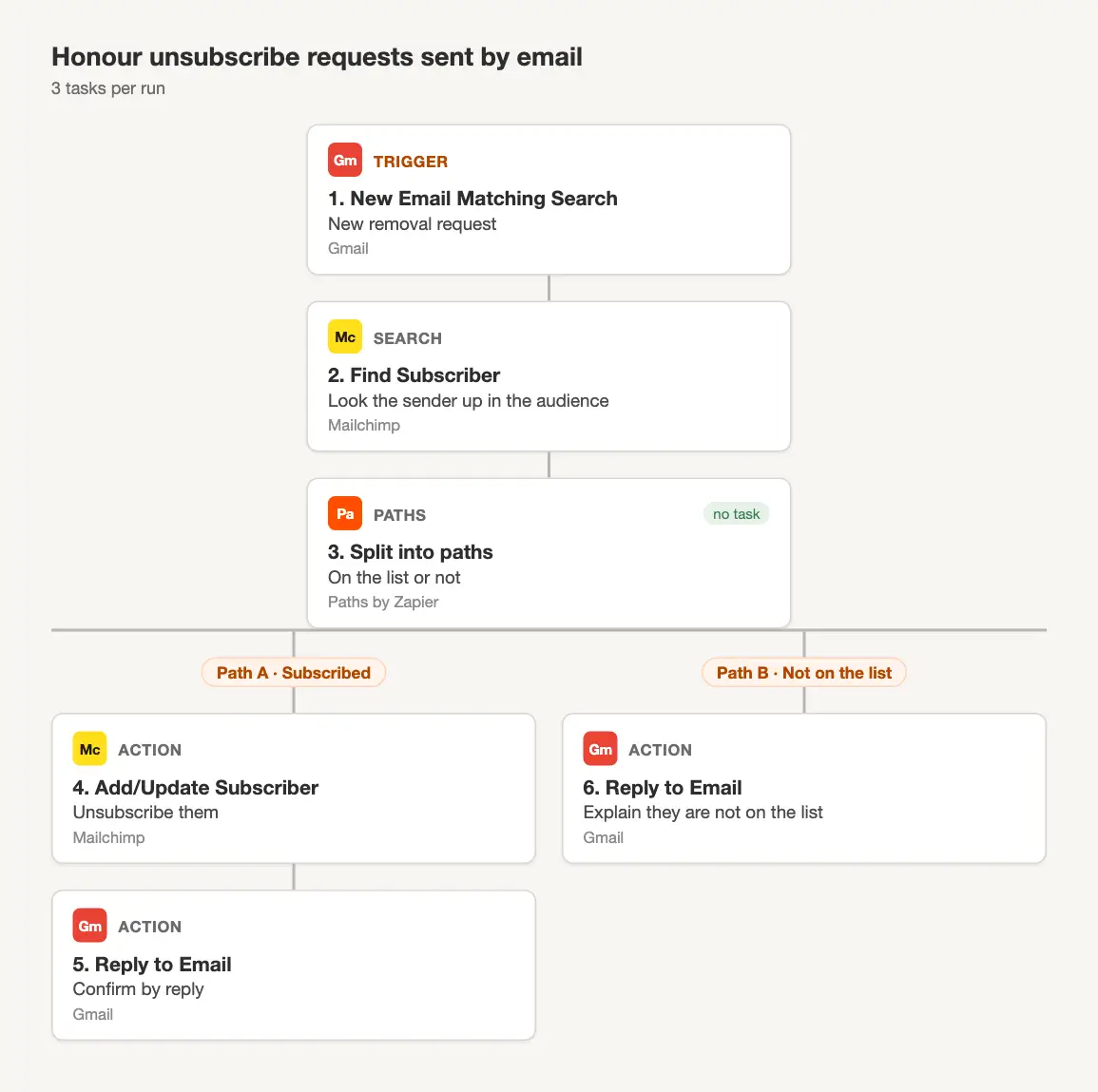
When someone replies "unsubscribe" or "remove me", unsubscribe them in Mailchimp and confirm by reply, or say so when they were not on the…
Email · Workflow system · Intermediate · Validated
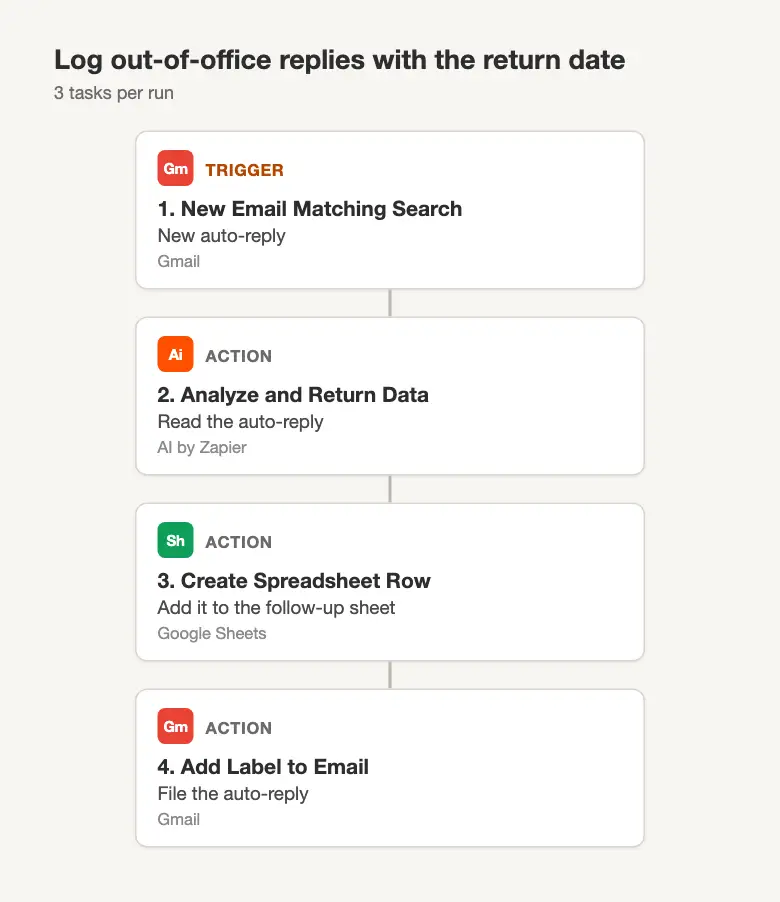
Catch auto-replies to your outreach, record when each person is back and who covers for them, and file the email out of the inbox.
Email · Quick win · Beginner · Validated
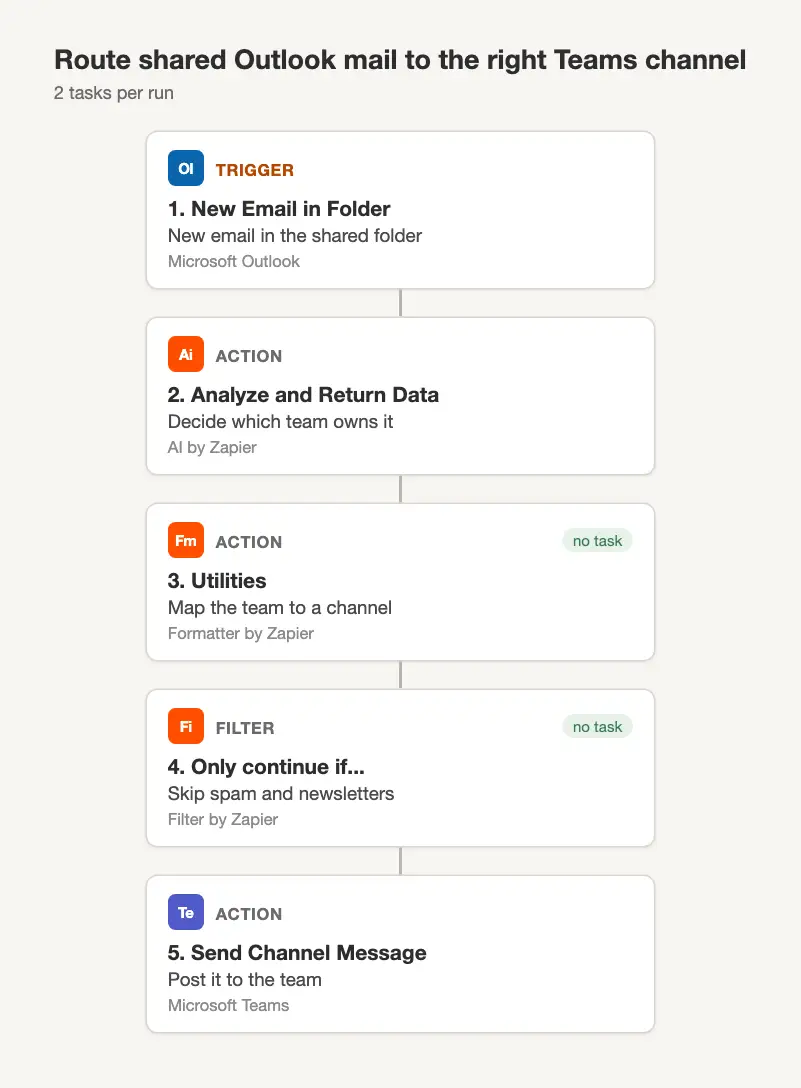
Each email in a shared Outlook folder is classified by team and posted to that team's Microsoft Teams channel with a one-line summary.
Email · Workflow system · Intermediate · Validated
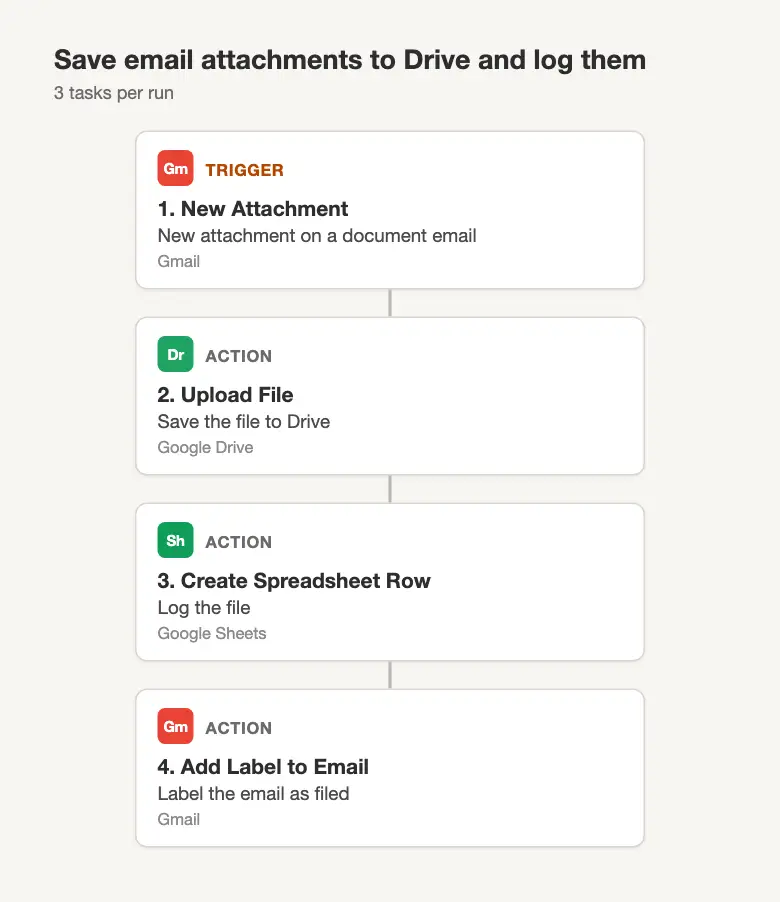
Every attachment from matching emails is saved to a Drive folder, logged in a sheet with sender and date, and the email is labelled as file…
Email · Quick win · Beginner · Validated
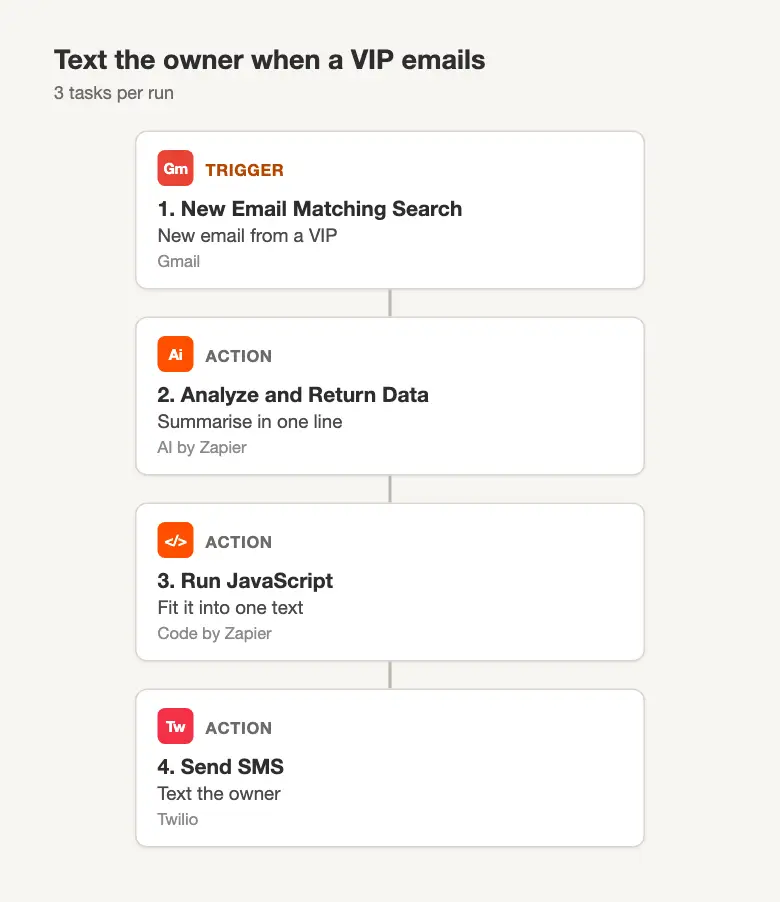
Mail from a short list of key clients is summarised in one line and texted to the owner, so it is seen even away from the inbox.
Email · Quick win · Beginner · Validated